How to view a stock take?
Follow these instructions to view a stock take in the salon software:
1. Navigate to the Inventory Option:
- Once you have logged in, Select the Inventory option from the sidebar to open the stock take page.
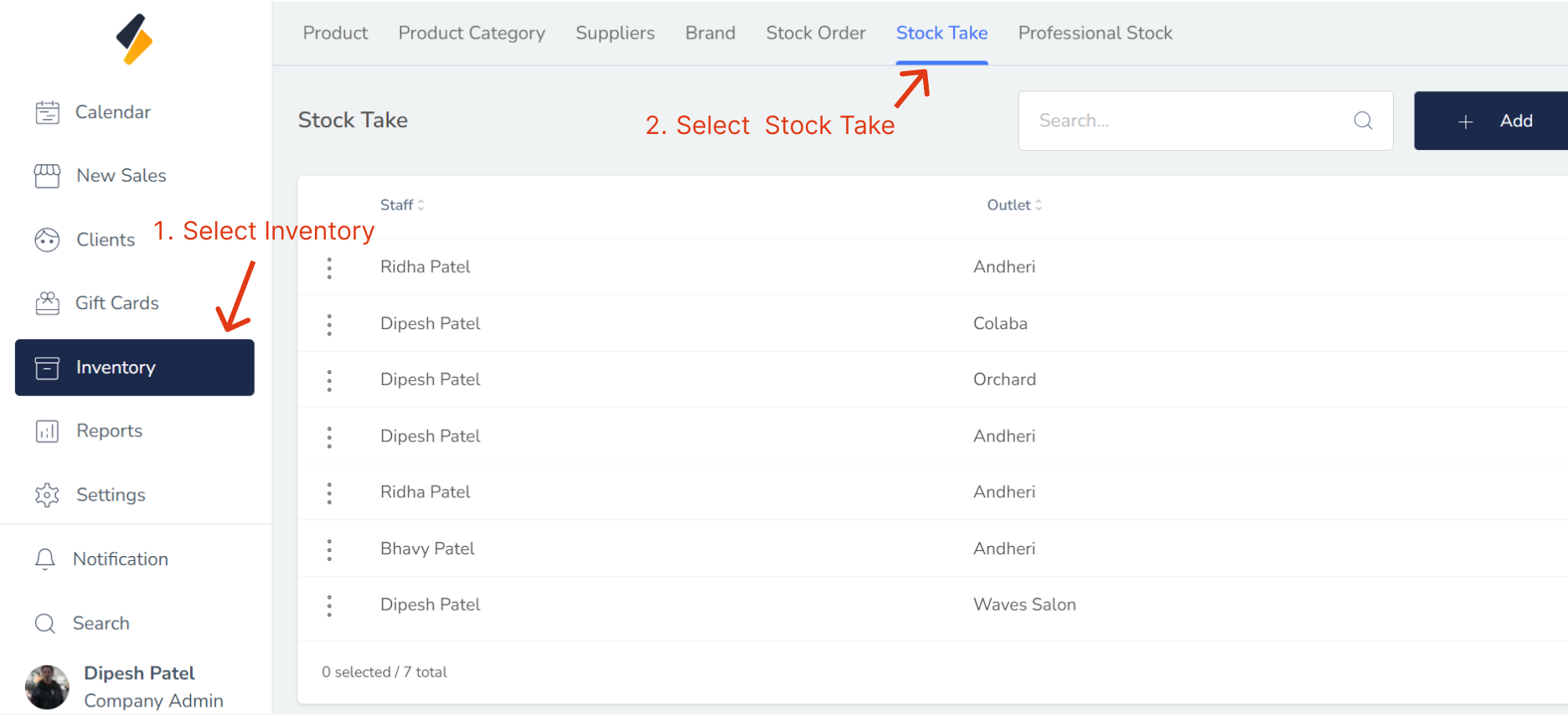
2. Click on Stock Take Tab.
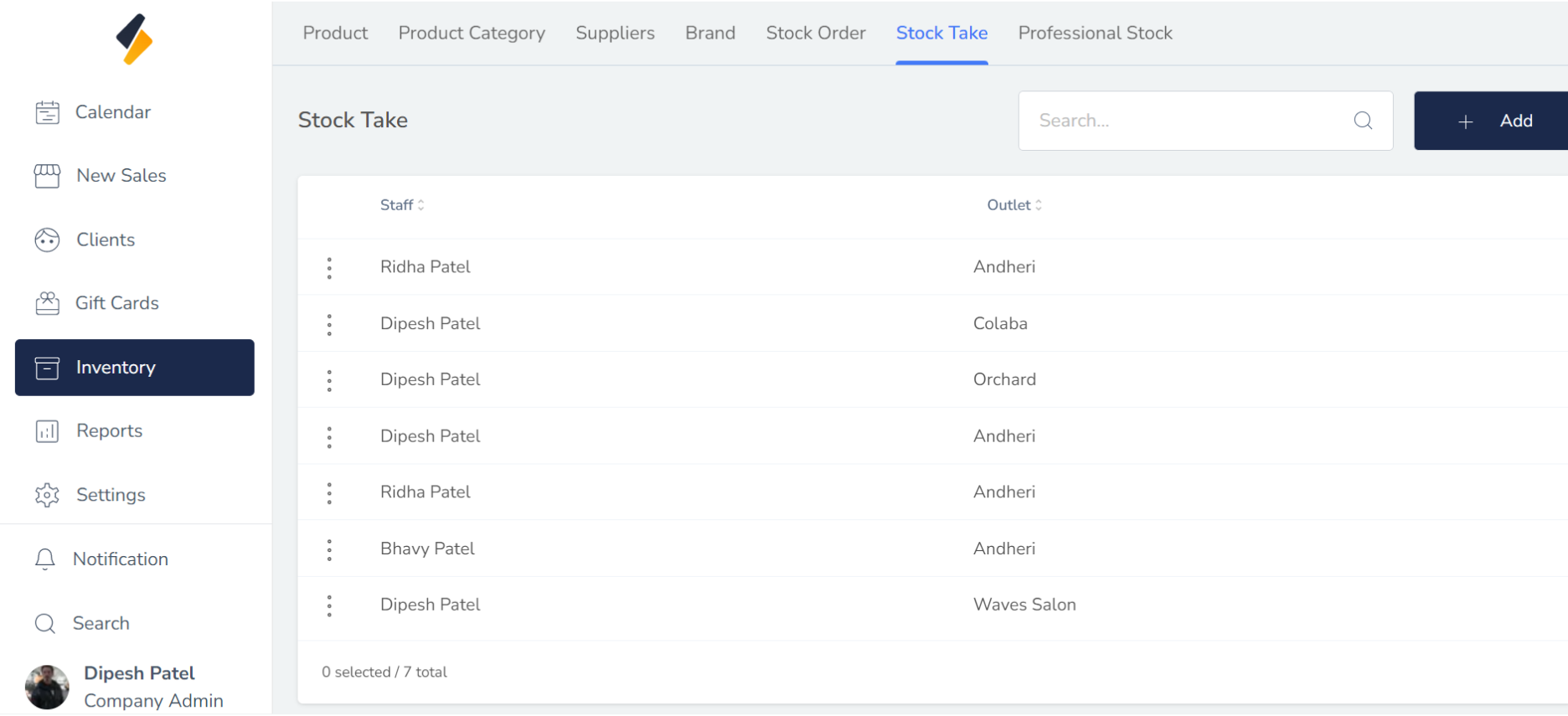
All stock take list are show in tabular form.