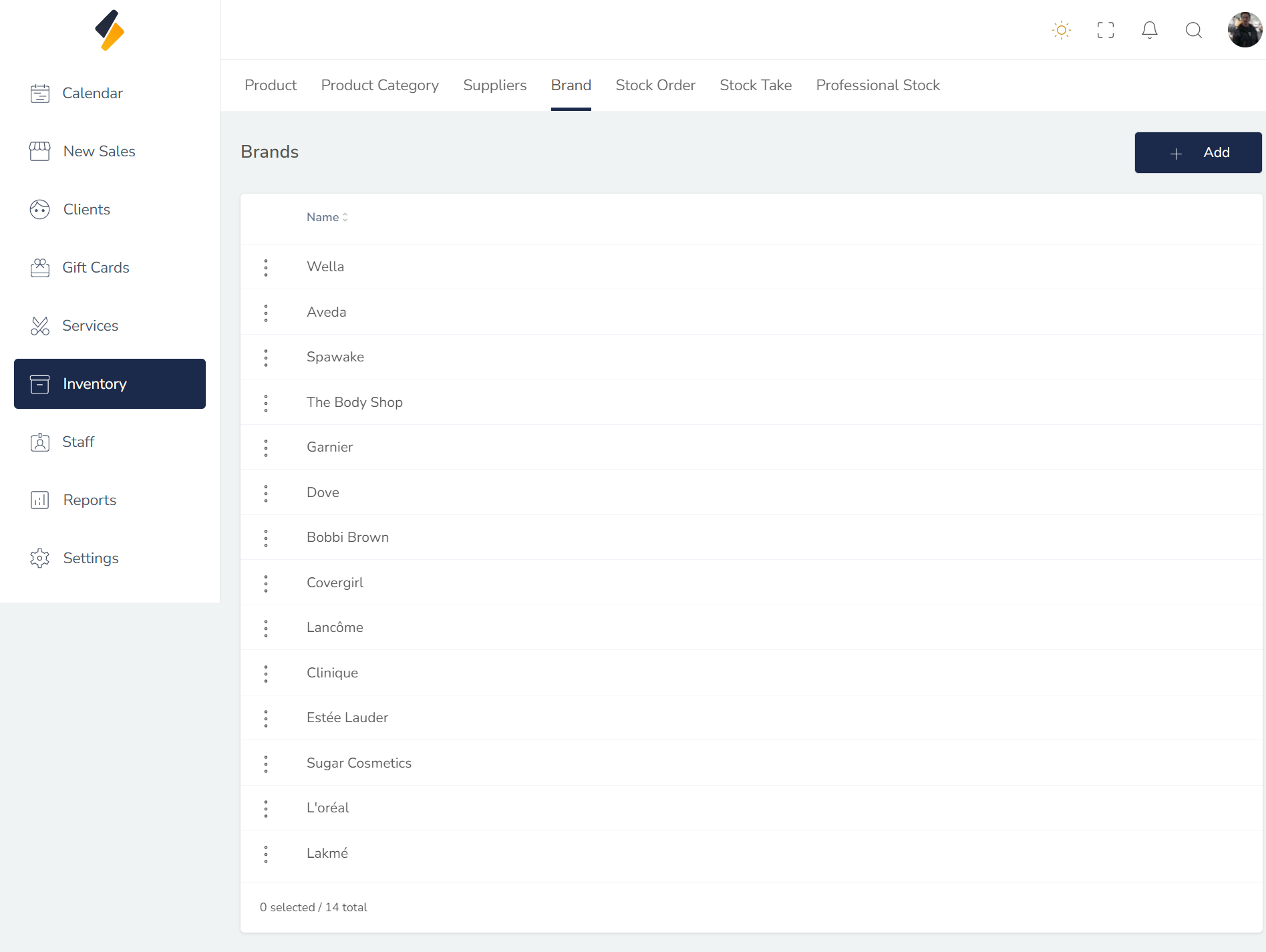
How to view a brand?
Follow these instructions to view a brand in the salon software:
1. Navigate to the Inventory Option:
-
Once you have logged in, Select the inventory option from the sidebar to open the brand page.
-
Click on Brand Tab.
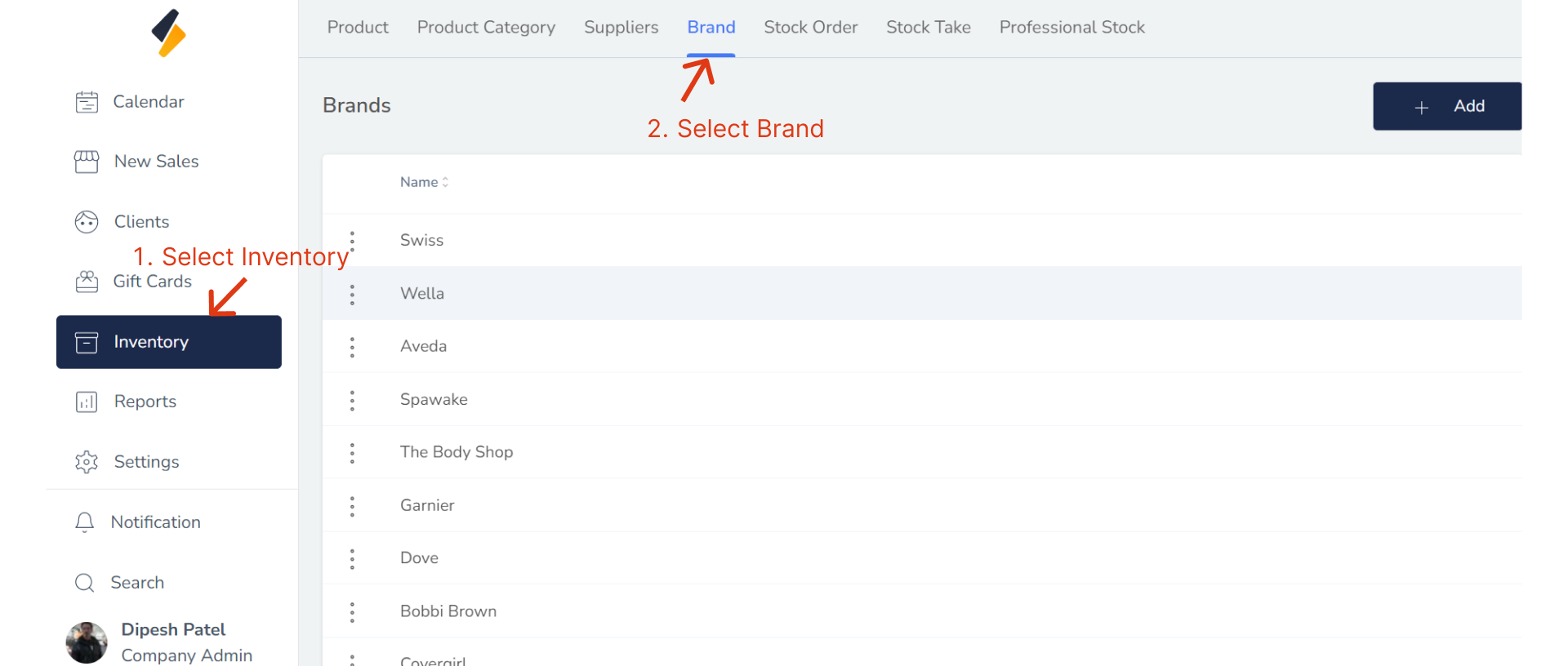
2. View Brand list
All brand list are show in tabular form.