Streamlining the Appointment Process
Let's walk through each of these statuses and their meanings:
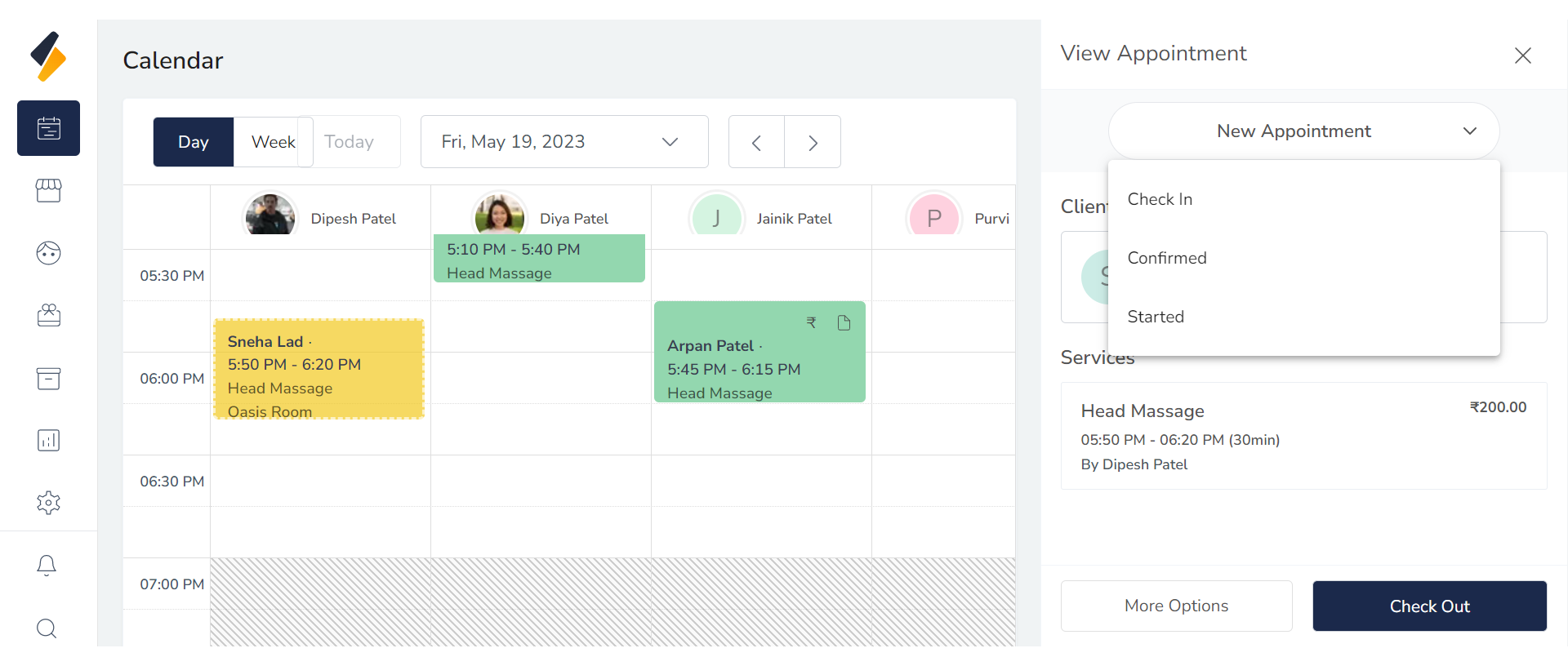
1.Select Appointment:
Navigate to your appointment which status you want to change.
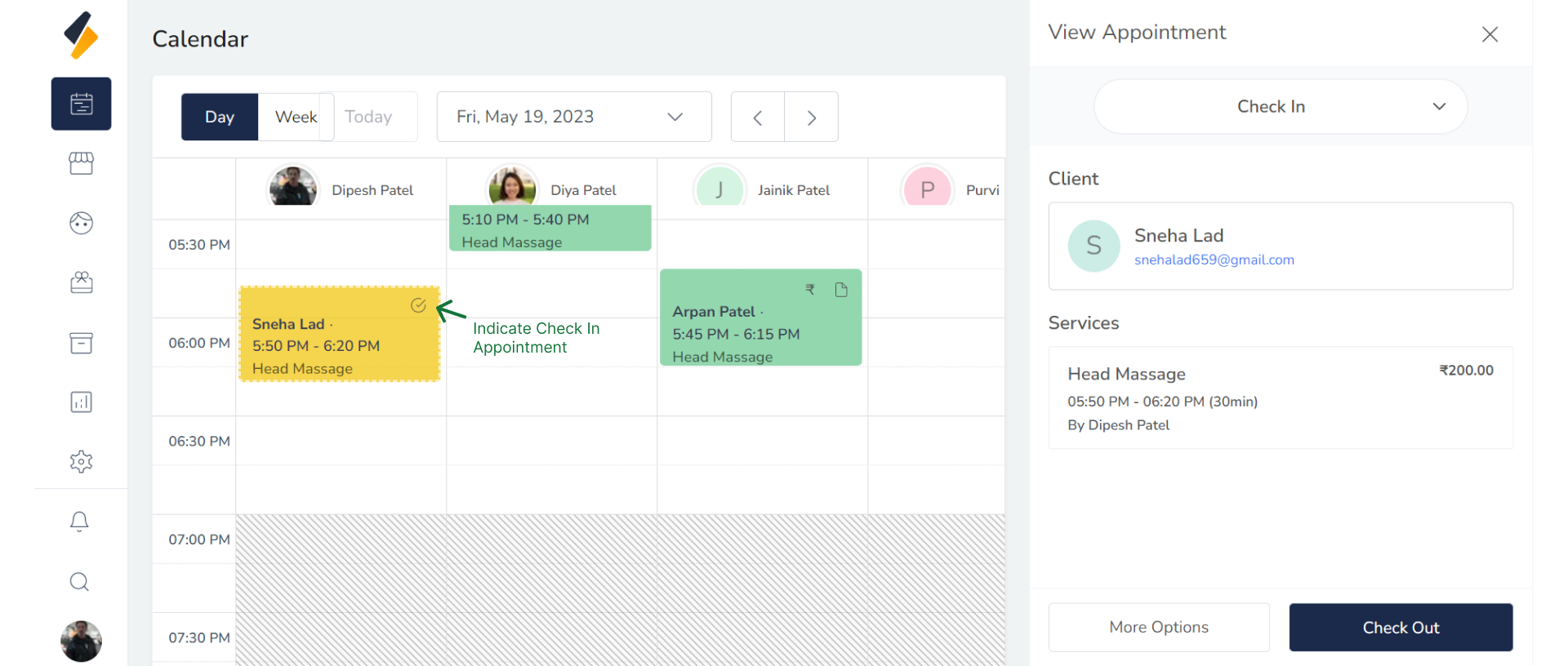
2. Check-in:
This status is used to indicate that the customer has arrived at the salon. Once the appointment is created, the customer is checked in by the receptionist or staff.
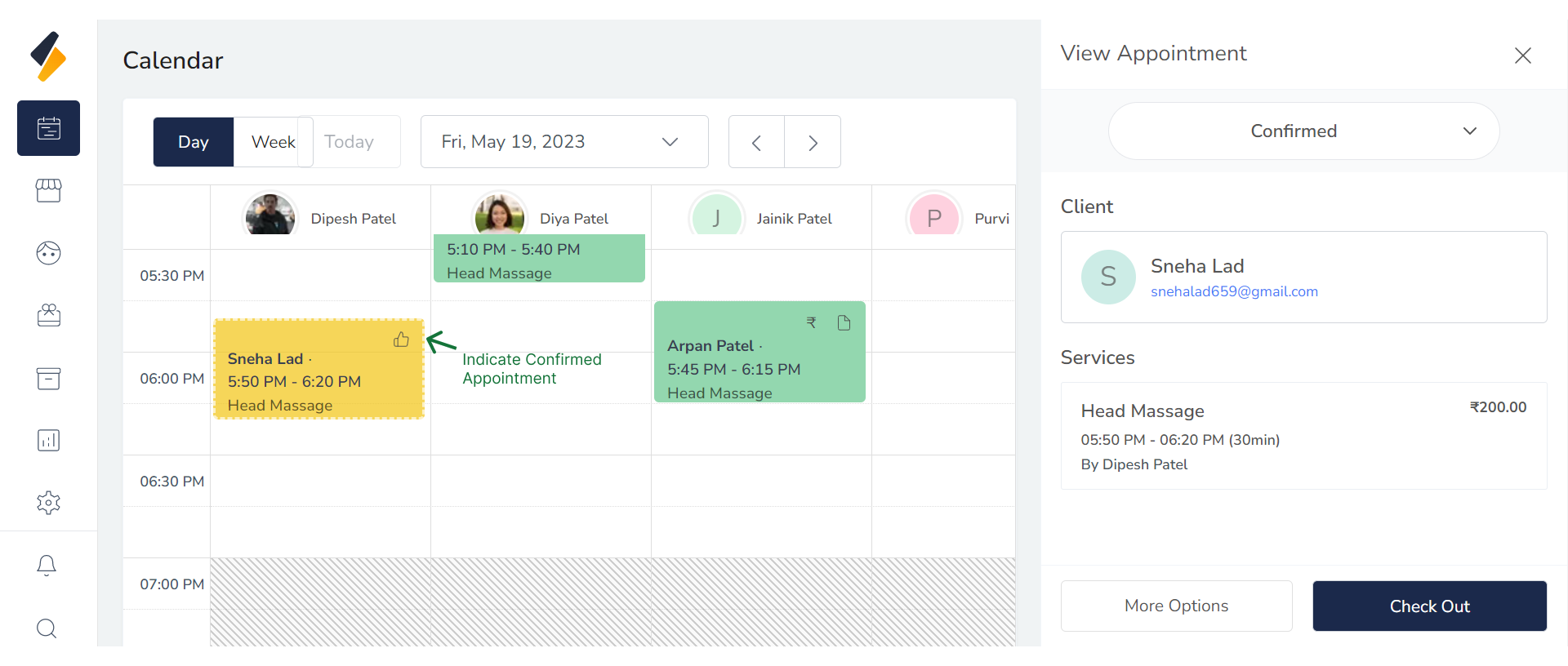
2. Confirmed:
After the customer is checked in, the appointment needs to be confirmed. This status signifies that both the customer and the salon have agreed upon the specific date, time, and service details for the appointment.
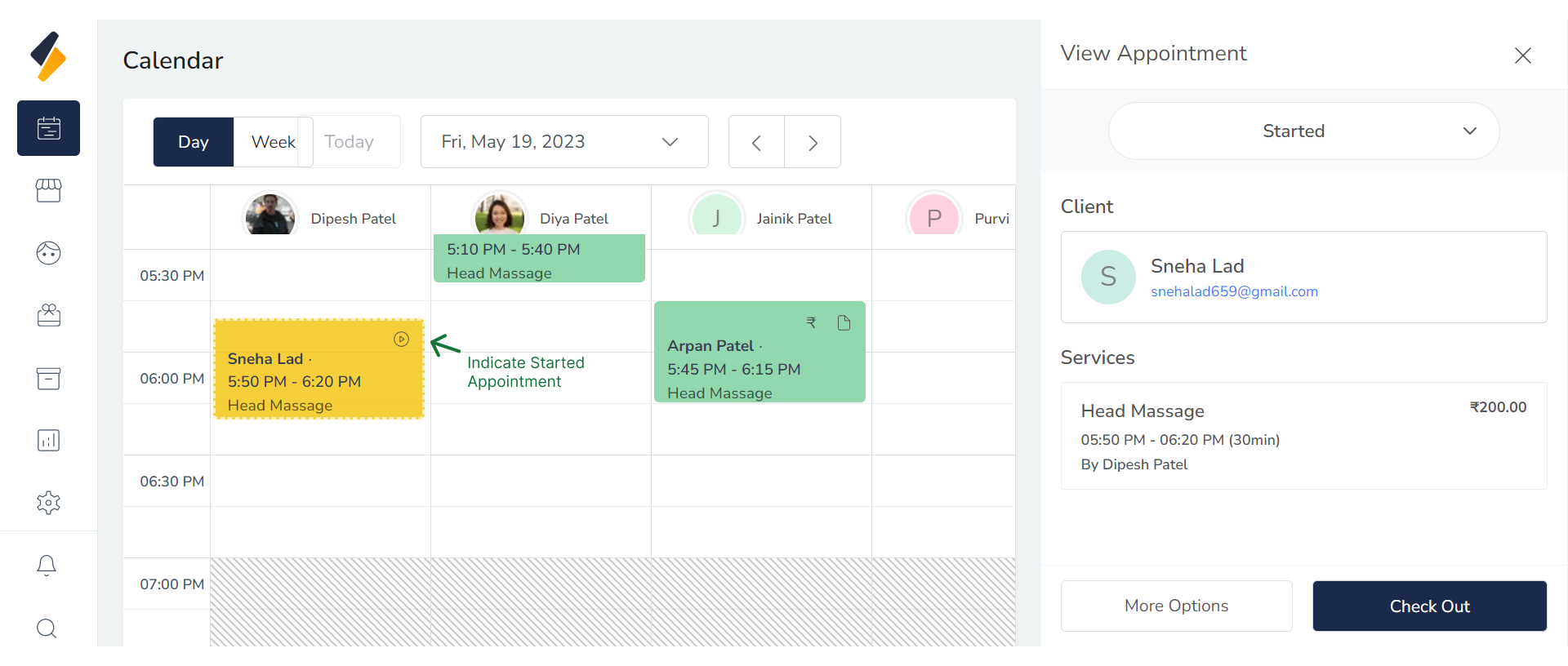
2. Started:
Once the confirmed appointment time arrives, the service provider starts working with the customer. This status indicates that the service or treatment has begun.