Checkout an Appointment
When you start providing a service, the appointment booking status changes to checkout.
1.Select Appointment:
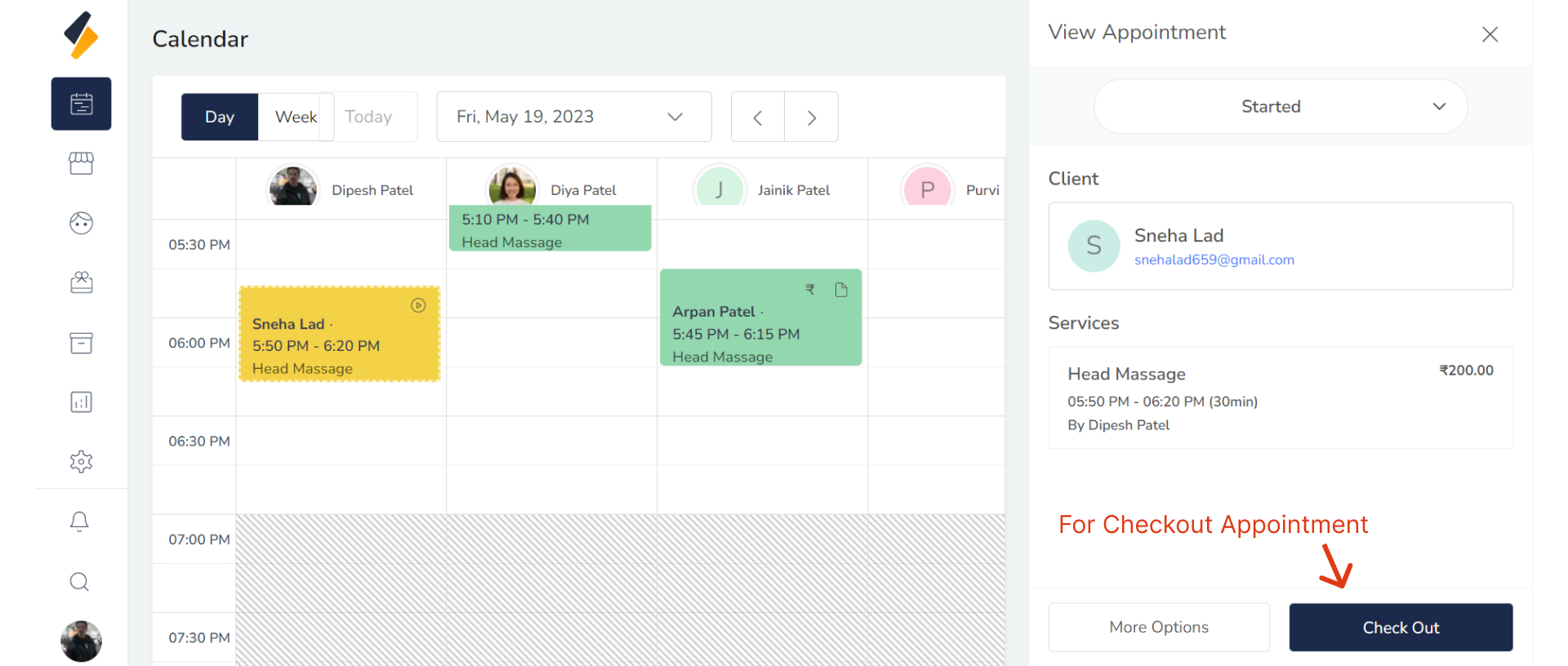
To access appointments for checkout, go to the Calendar View.
2. Checkout Appointment:
Select the "Checkout" button for the appointment you wish to complete.
3. Add Service,Product or GiftCards:
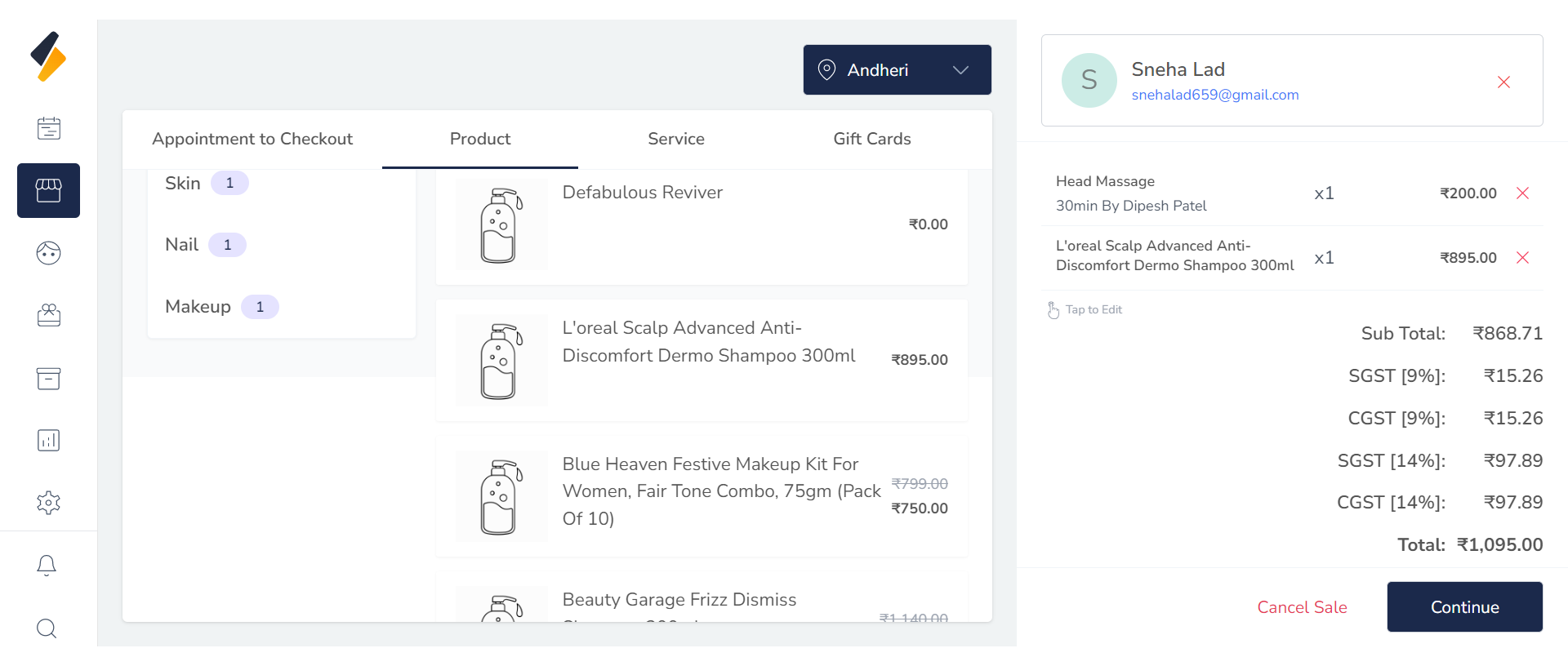
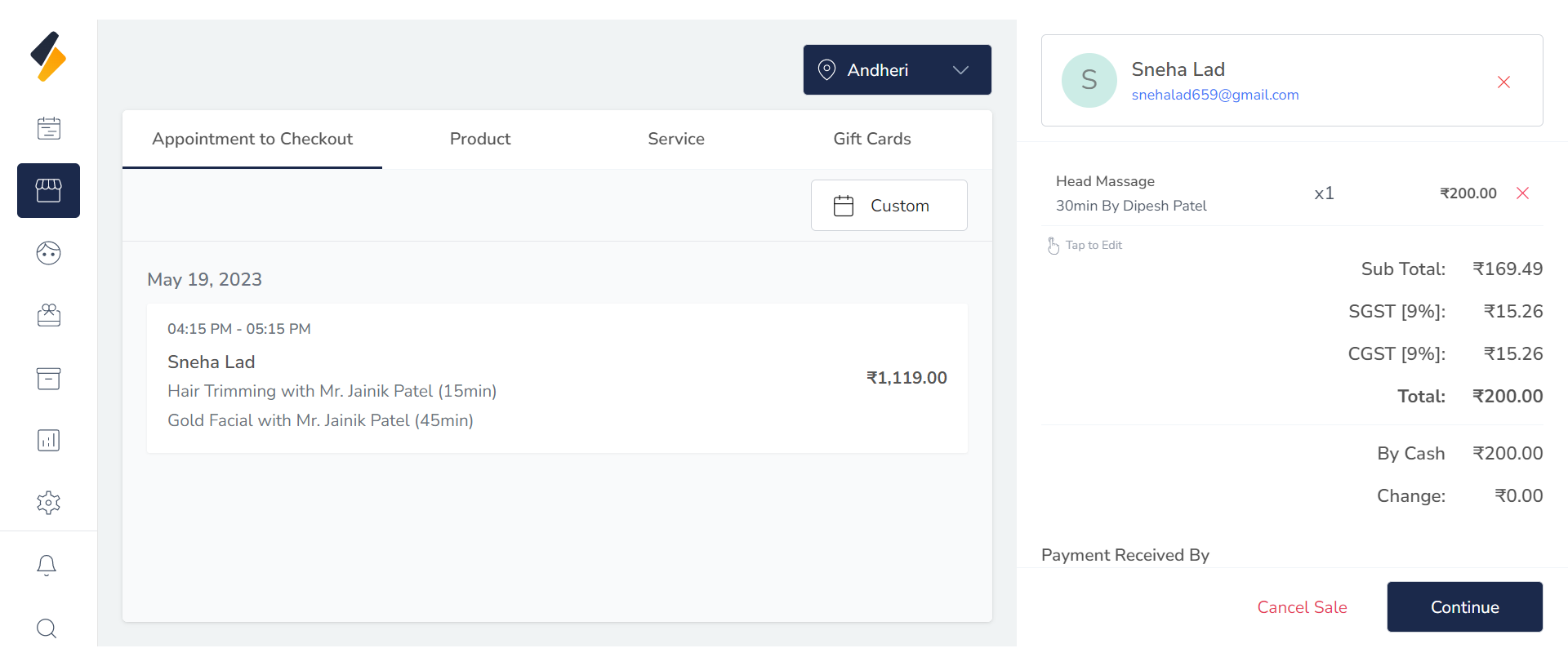 You have the option to add more services, products, and gift cards at this stage.Click on Continue.
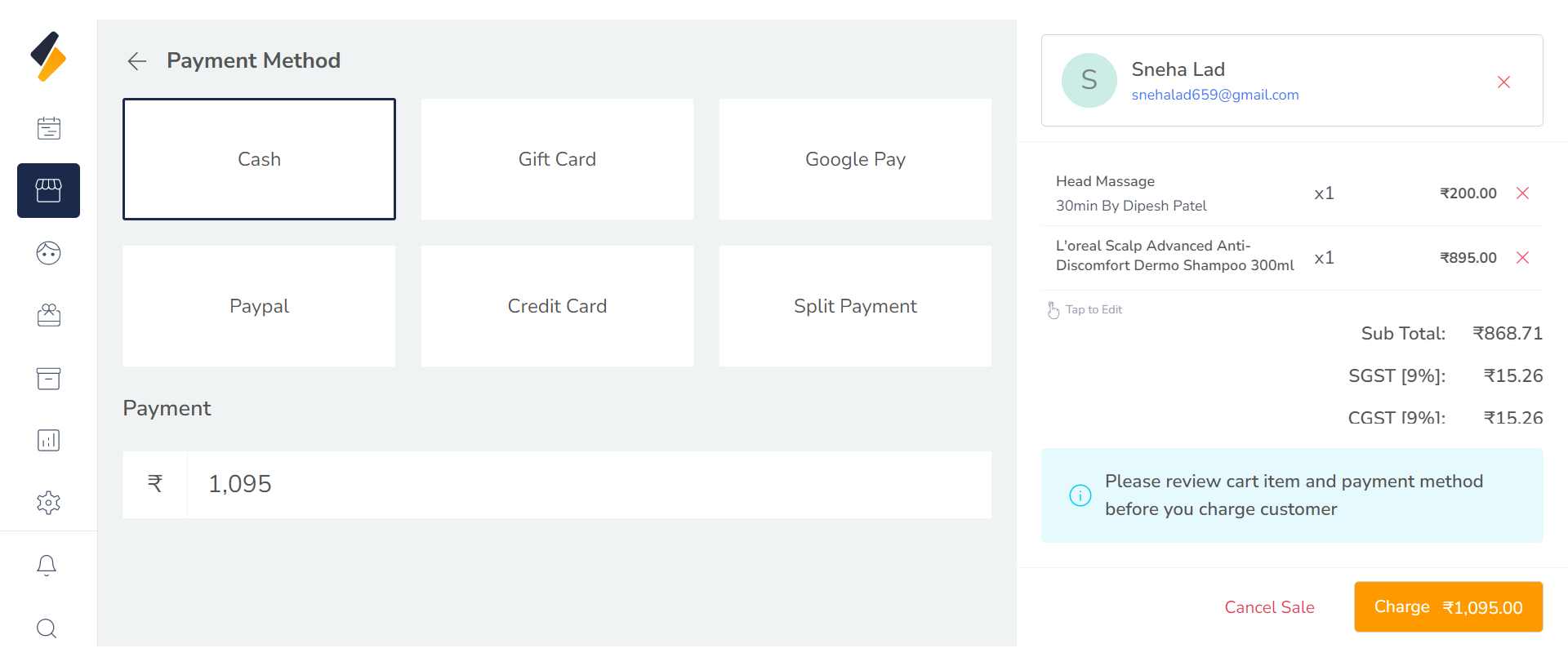
4. Select Payment Method:
Select the payment method provided by the client and click on Charge.
You can also add your own payment method.
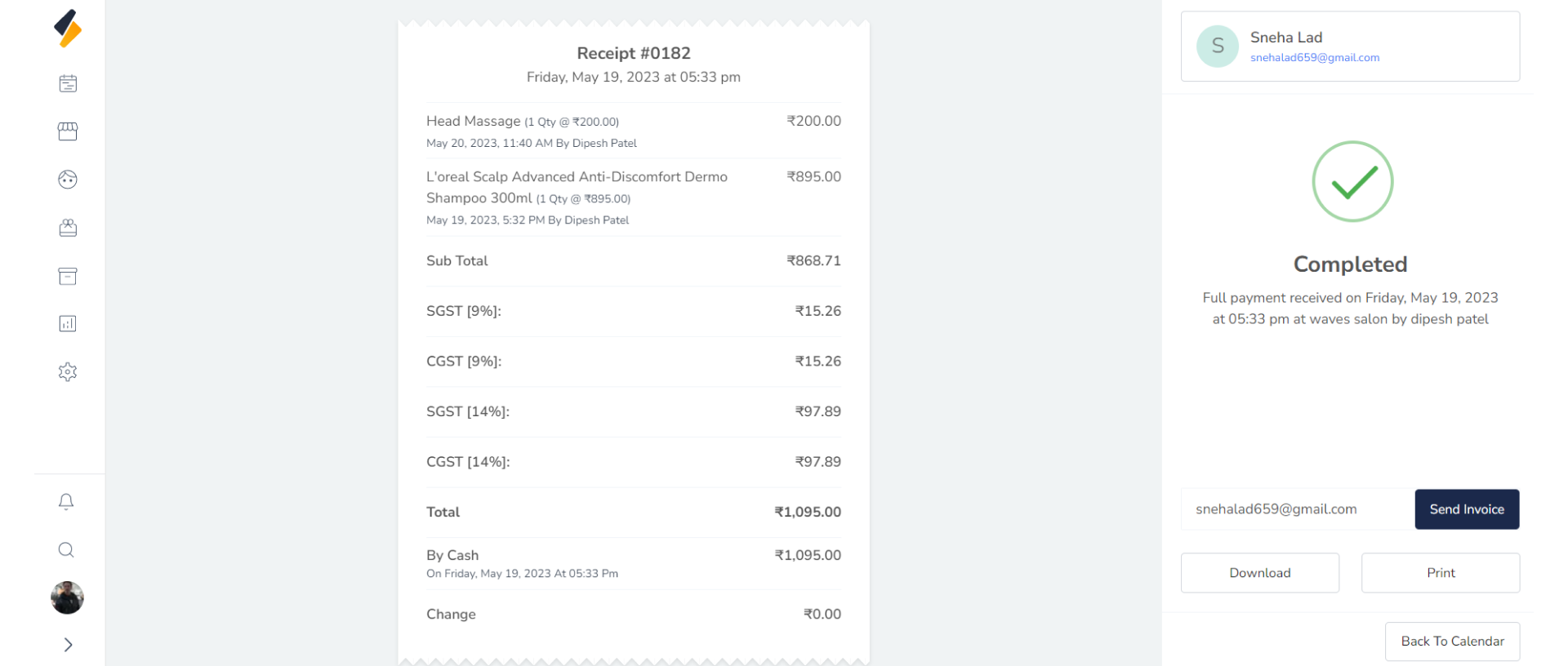
5. Generate Invoice:
Once payment is made by the client, you have the option to either print or download the generated invoice or email it to the client. Simply select the option that best suits your needs and preferences.